Launch an ObserveNow Instance
To launch an ObserveNow instance sign in/login to your StackGen Admin Console and follow the steps below:
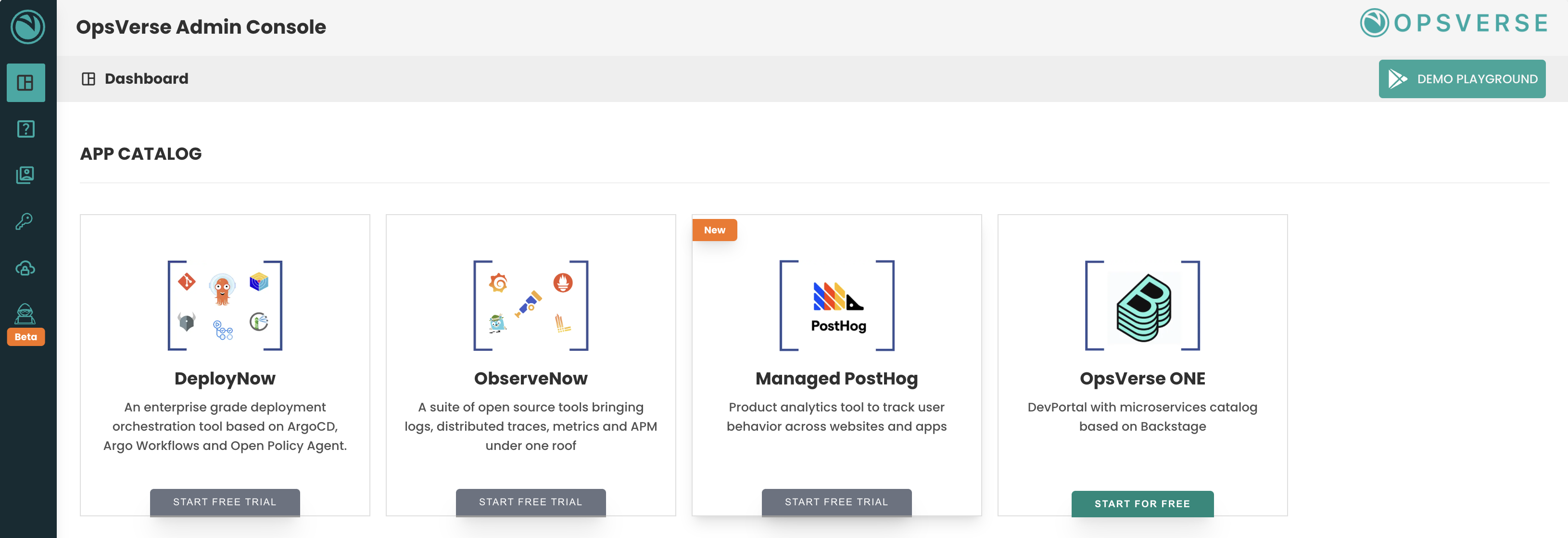
- Under App Catalog, click on
ObserveNowcard.
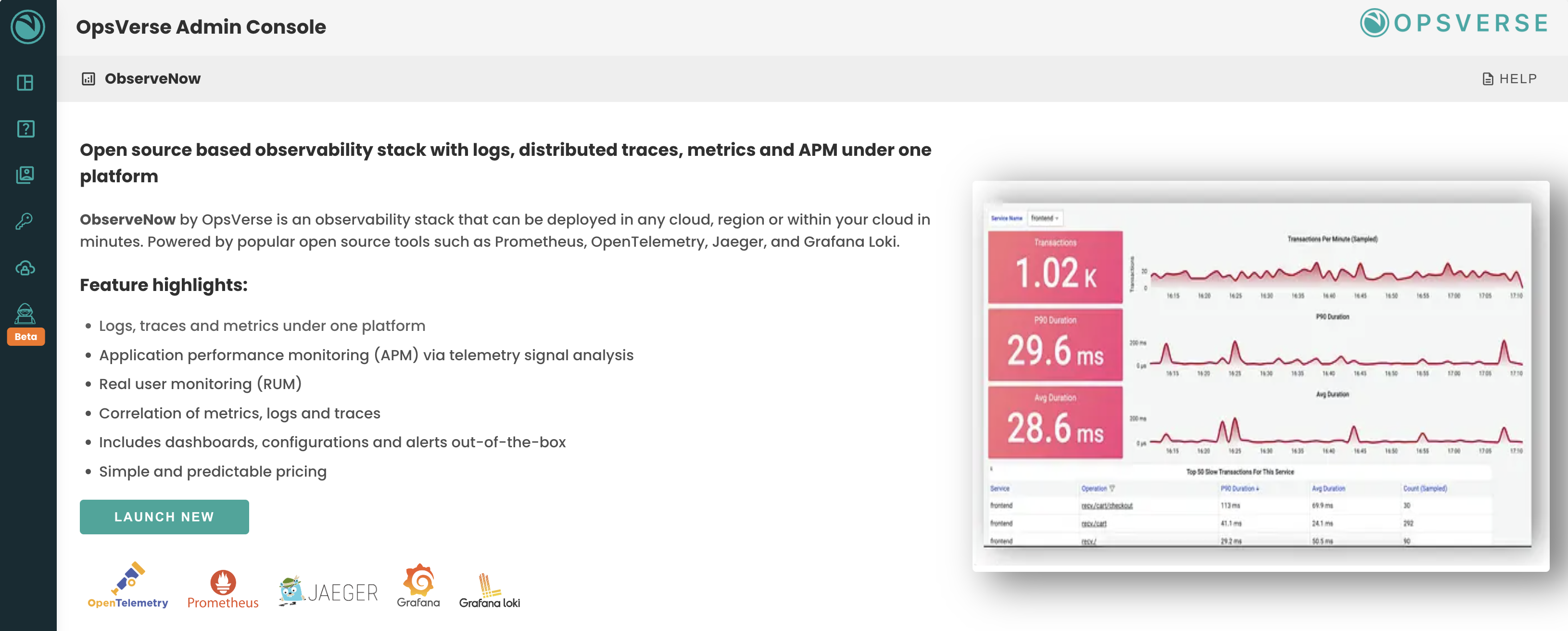
- If you're signing in for the first time, you will see an overview of
ObserveNow. ClickLAUNCH NEW.
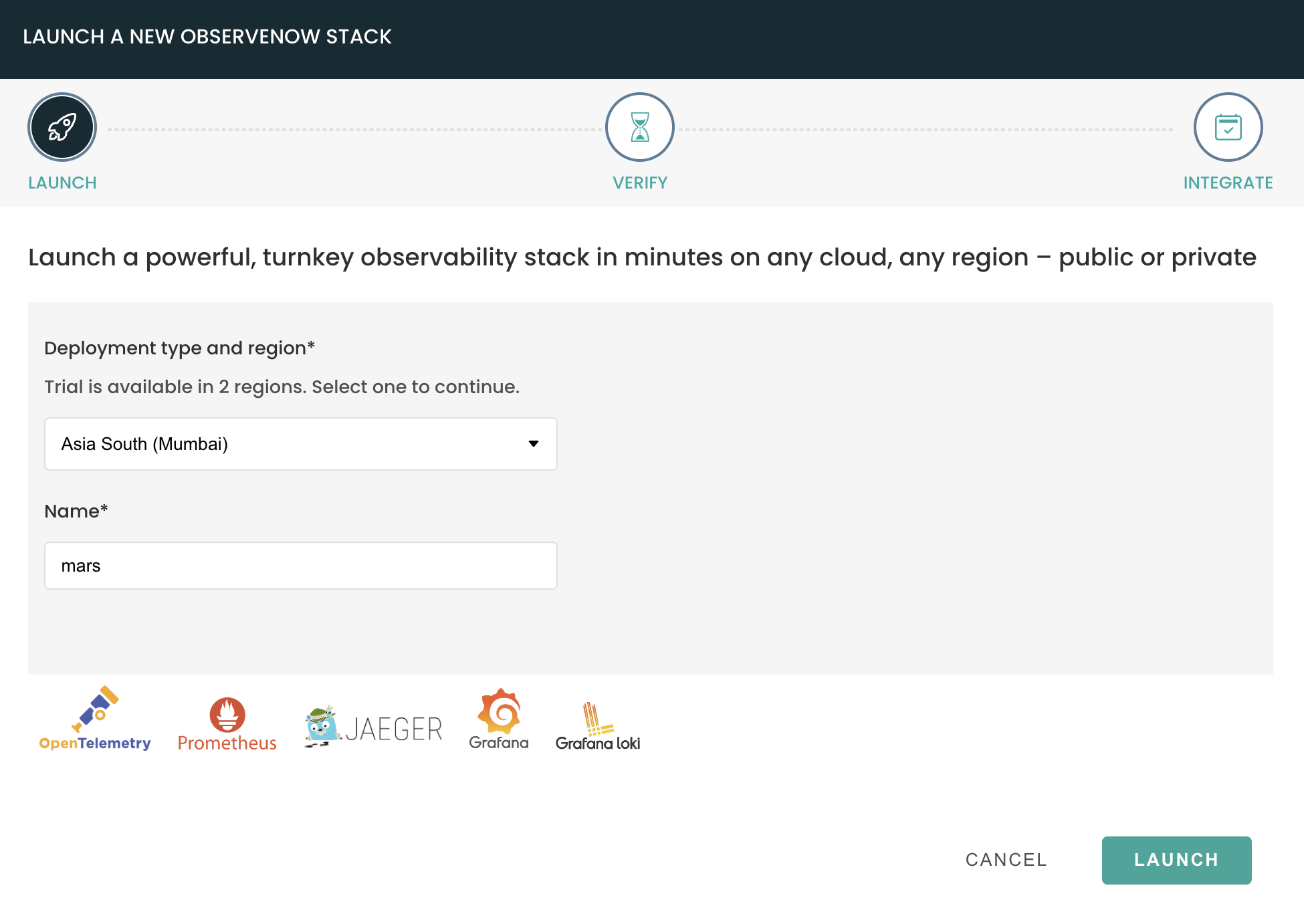
- Launch new wizard will be launched. Select the region and provide a name for your instance and click
LAUNCH.
info
When subscribed to ObserveNow, you can choose any available regions or deploy it on private SaaS.
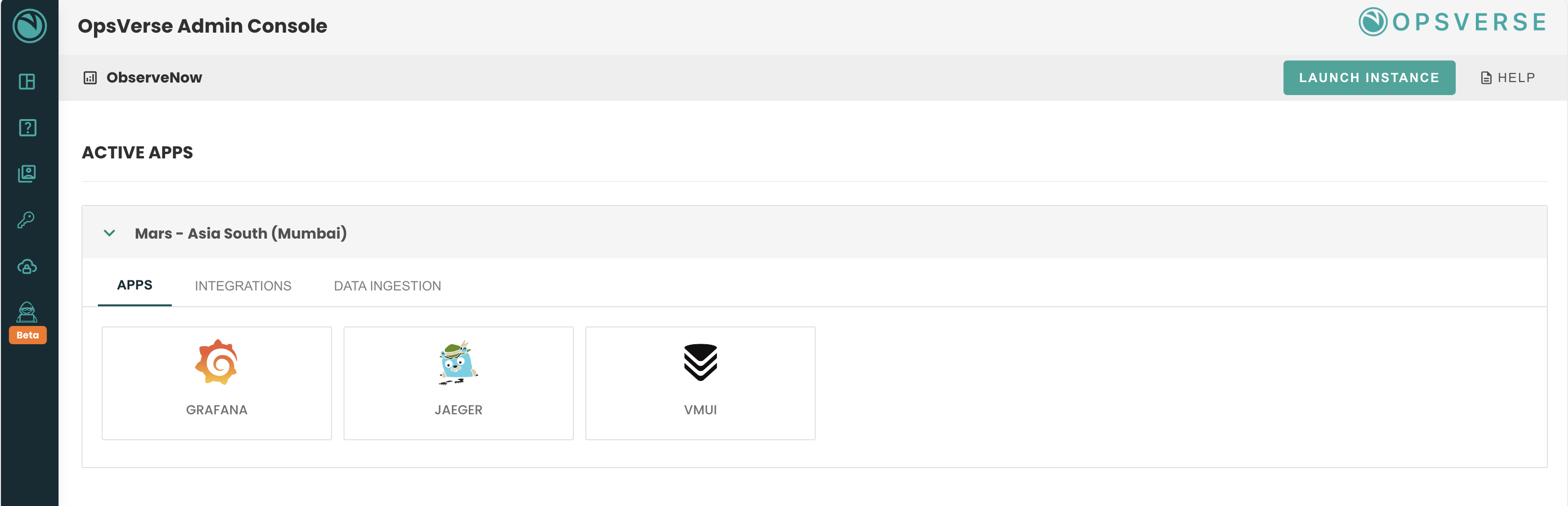
- Within a minute your ObserveNow stack will be up and running and you should see your ObserveNow instance under
Active Apps.